I have almost 3,000 objects in notion as my ‘second brain’.
I have thousands of pages, almost 50 databases and the rest is history.
I export my entire workspace, subpages, html, to the T of the guide.
Import in to coda and I’m left with a disaster:
- No nesting of subpages.
- No database to table mapping.
- Pages at the top level of the database items but yet no content.
What is the current state? or, am I completely overlooking what should be the obvious?

1 Like
Hi Matthew and welcome to the community!
It’s been a while since I last used the Notion importer, but from what I recall indeed you can’t just expect a Notion workspace to seemingly transfer to Coda. And that doesn’t mean the Notion importer is to be blamed. It’s just that:
- even though they look similar on the surface, Notion and Coda workspaces / pages are not structured the same way,
- when you export a workspace from Notion, you lose some information.
For instance, I’m not entirely sure the nesting of subpages is actually translated into the files generated by Notion when you export your workspace. So you might end up with a lot of pages in Coda without actionable hierarchy. However, the more structured your workspace is in Notion, the easier it will be to transfer it into Coda. You might want to try the importer first on just a portion of your Notion workspace, and see how it goes from here. Another thing to note is that maybe you’ll want to have several Docs in Coda instead of just one big Doc (which is basically what a Notion workspace is).
Finally, I don’t understand what you mean by “no database to table mapping” and “pages at the top level of the database items but yet no content”. You might want to give us more detail about that in order to get more help!
Anyway, good luck with your import. I hope that, like many of us before, you’ll find that move to be worthwhile!
2 Likes
Thanks for the feedback. We are continuously working on the importer, so keep it coming. Some specific callouts:
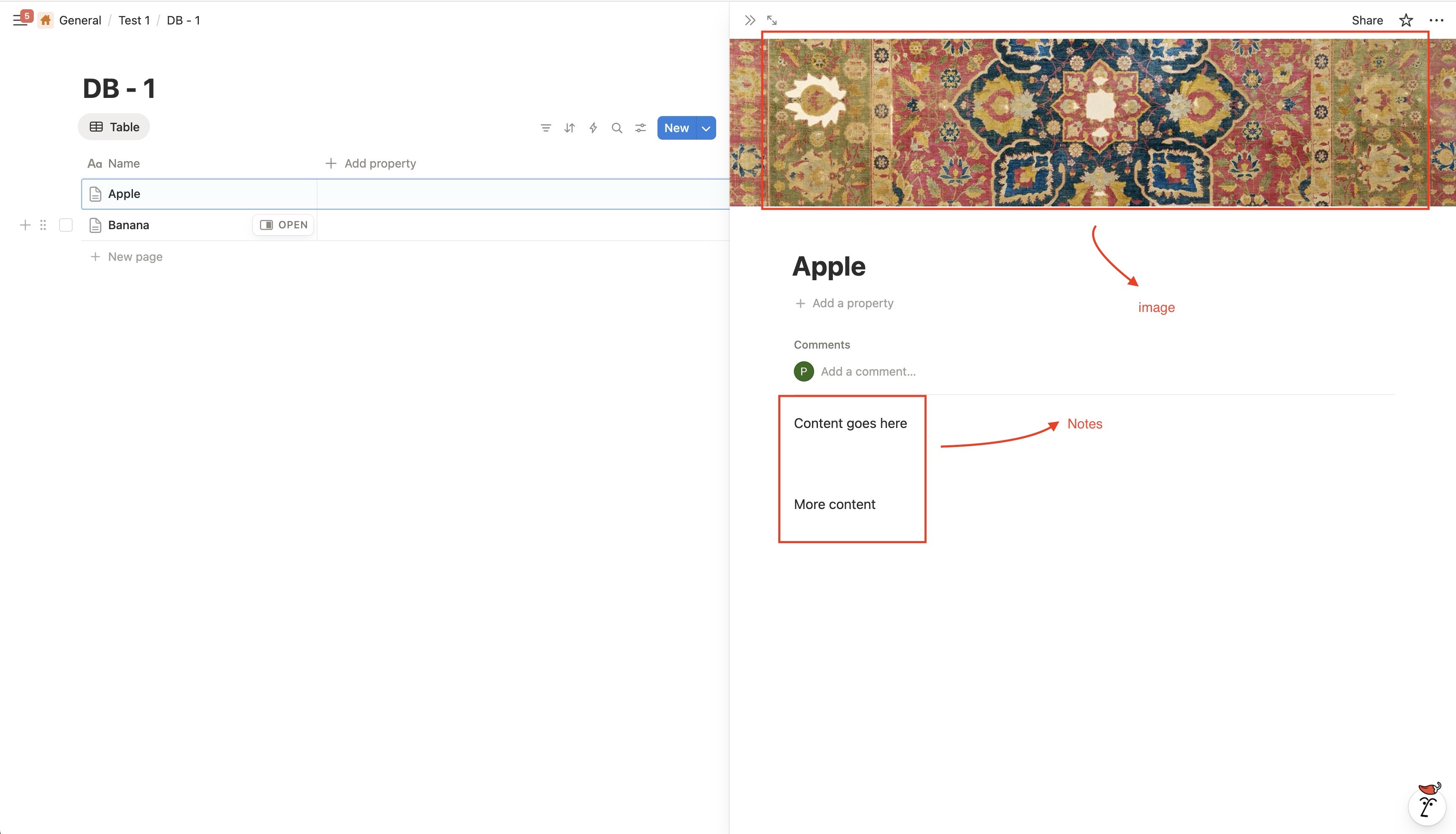
- We store the database content in the Coda table’s canvas column. (See details in the help article).
- I’ve attached some screenshots below.
- Empty pages for rows in the database, is a known issue; we are working on it.
- For now, the solution is to manually delete them.
1 Like
Ok, after support reached back to me I went to do a screen capture and ….it worked, without issue, like you’d expect: click → click → beer time.
I’m going to take pause and trace my steps and do another end-to-end workflow and this time screen record it. 
What I can say right now is that there is hope and that hopefully it’s all my superior level of intellect and brain power lol.
I will update in a few hours.
Thanks @Ramesh_Nagarajan and @Bertrand_Bouteiller for chiming in!!!
3 Likes